
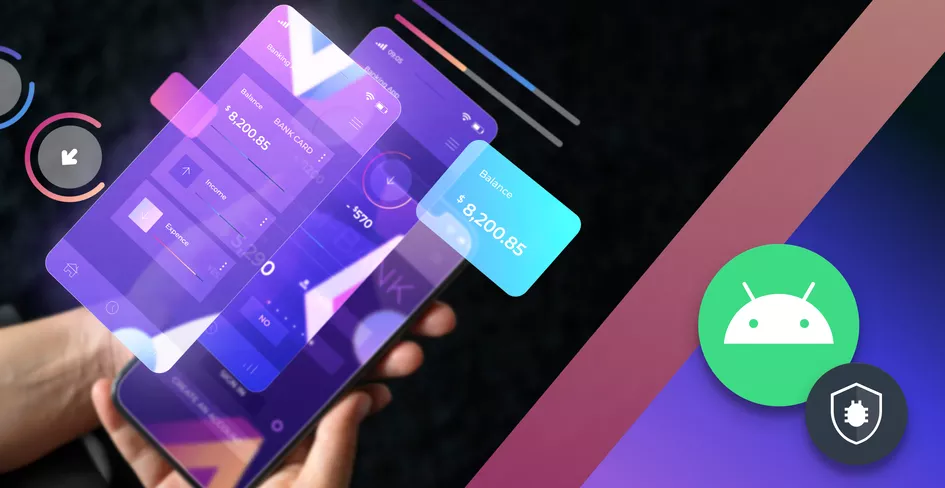
Thousands of devices run the Android operating system. You don’t want to have to purchase them all. For this reason, many teams today are opting to test on Online Android Emulators rather than a drawer of devices. What they are, how they work, and how to begin in minutes!
What Is an Android Emulator?
An emulator is software that mimics an Android phone that is displayed on a computer screen. It is a place where your app is executed like it is on an actual device to check how it will act if you were to tap, scroll, and do so. It is used by developers for running and debugging code without the need for a large hardware stack – handy and cost-saving.
Why Use an Online Android Emulator?Why Use an Online One?[1]
A local emulator needs downloads, setup, and a strong computer. An online one lives in the cloud. You open it from any internet connection, with nothing to install and nothing to maintain. It also allows for testing of older and newer versions of Android without having to touch it on your own device, as well as many screen sizes.
How Do You Test an App in Five Steps using online android emulator?How Do You Test an App in Five Steps?[2]
It’s not so difficult to use an online Android emulator in browser. Here is the usual flow:
- Upload your APK. Go to Test Development, then Uploads, and add your .apk file.
- Write the test in simple English. Type steps like “tap the login button”, or record your clicks. One script can cover several Android versions.
- Choose your emulators. Pick the Android versions and screen sizes you want, old and new.
- Run in parallel. The cloud tests many devices at once, so builds finish sooner.
- Read the results. See which devices passed, fix what failed, and run it again.
Can It Test Real Conditions?
Yes. In a good cloud lab, you can test slow or weak network connections and see how the app handles on a weak signal. GPS simulation tests location features from different places. Device rotation checks portrait and landscape modes. And if something fails, then you can take over the run to debug it.
Are Emulators Enough, or Do You Need Real Devices?
Emulators are good for quick and broad testing. But real phones show things emulators can miss, like hardware quirks and true network behaviour. A smart plan uses both. For instance, Testsigma has 2000+ real Android devices in its cloud, 3000+ other devices and browsers, and runs tests in parallel to reduce the wait time.
What Types of Apps Can You Test?
Native, hybrid, and web-based Android apps all work. No coding is required, either. Testers with no programming skills can contribute using a recorder and plain English steps like the ones on platforms such as Testsigma.
How Does It Fit Your Workflow?
Tests can be scheduled or performed on each build. Bugs are fed into tools such as Jira, Jenkins, Azure DevOps, GitHub, and Bamboo, which results in a rapid flow of bugs to your team.
Final Thoughts
Previously, testing on numerous Android versions required a desk as well as lots of perseverance. This time it can be done from a browser. Use an emulator for quick tests, add real devices before release, and use simple steps. The little things like this will keep your users from unpleasant shocks.
Why Use an Online Android Emulator?
How Do You Test an App in Five Steps using online android emulator?

1 Comment
Pingback: Richard Liu and Serena Williams: Comparing Their Net Worth, Careers, and Financial Success in 2026 - Lyncconfs